Research guides
How to Create Research Diagrams
Plan a research diagram, turn your method into a clear visual brief, and review labels, arrows, and claims before using the figure in a paper.
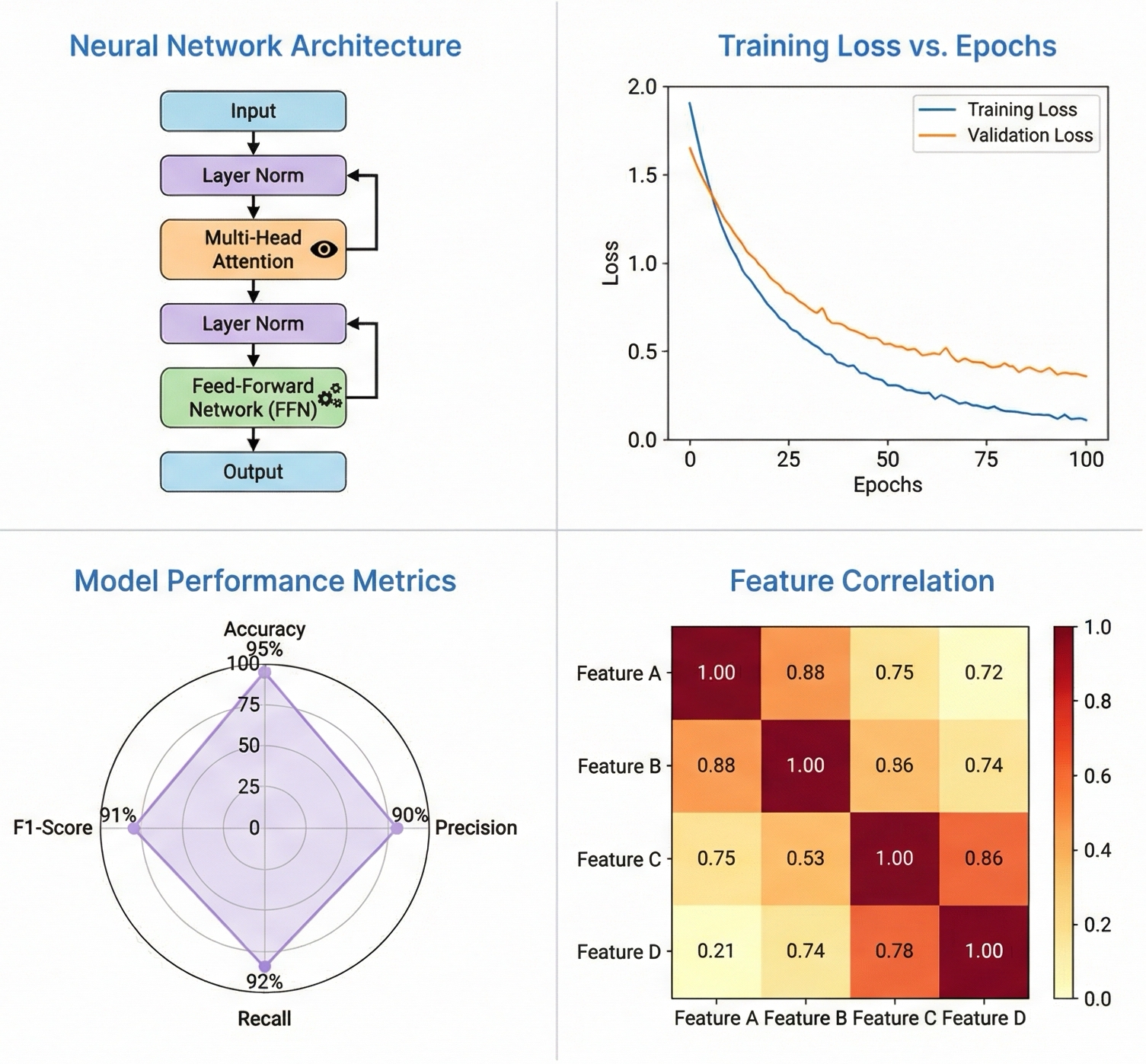
A useful research diagram shows what enters a method, what happens to it, and what comes out. Start with a written account of those three parts. Use that account to build a visual brief, then check the resulting figure against your actual method before putting it in a paper.
This guide describes a practical review workflow. An AI-generated figure is a draft: the researcher must check its scientific claims, labels, and relationships.
Write the method before drawing the figure
Write one sentence for each major stage. Include the input, the operation, and the output. Use the terms from your manuscript so readers can connect the figure to the text.
For example, a document-classification method might use this sequence:
- Collect documents and record their source.
- Split documents into training, validation, and test sets.
- Train a classifier using only the training set.
- Select settings using the validation set.
- Evaluate the selected model on the held-out test set.
Keep the test set separate in the diagram. A visually tidy arrow that sends test documents into training would change the meaning of this method.
Turn the method into a visual brief
Give the figure tool the relationships it must preserve. Specify what each arrow means. State which labels must appear exactly as written.
Figure purpose: explain a document-classification workflow.
Layout: left to right, with a separate branch for held-out test data.
Stages: document collection, dataset split, training, validation, evaluation.
Required labels: Training set, Validation set, Test set, Classifier.
Arrow meaning: data flow.
Constraint: no arrow from the Test set to training or model selection.
Style: readable labels, restrained colors, plain background.
You can use the PaperBanana academic figure generator to prepare a visual draft from a research brief. For a broader explanation of the product, read the PaperBanana guide.
Review the figure in two passes
First check the scientific meaning. Then check whether the figure is readable at its intended size. Separating these checks helps you avoid approving a correct-looking image with an incorrect method.
| Review area | Question to ask | Correction to make |
|---|---|---|
| Inputs | Does each source enter the correct stage? | Move or remove the incorrect arrow. |
| Operations | Does each block represent a real method step? | Replace invented or missing stages. |
| Outputs | Are outputs distinguished from inputs? | Use explicit labels and arrow direction. |
| Labels | Do terms match the manuscript? | Correct spelling and terminology. |
| Reading size | Can readers see labels at the final figure size? | Simplify labels or increase their size. |
Check generated text carefully. A label that looks plausible can still be misspelled or describe a step you did not perform.
Add a caption that explains the figure
The caption should state the figure's purpose and explain symbols that a reader cannot infer from the image. Do not use the caption to add a result that the diagram does not show.
For the classification example, a caption could say:
Overview of the document-classification workflow. Documents are divided into training, validation, and test sets. Training fits the classifier, validation selects settings, and the held-out test set supports the final evaluation. Arrows indicate data flow.
If you use colors to distinguish datasets or stages, explain that distinction in the caption as well. Follow the target journal's figure and artwork instructions for file format, resolution, size, and captions. The PLOS ONE figure instructions provide an example of publication-specific requirements; use your own journal's rules for submission.
Keep the brief with the reviewed figure
Save the method brief, the accepted figure, and its caption together. When the method changes, use the brief as a checklist for updating the figure. Review the updated image again rather than assuming that unchanged visual elements are still correct.
Before submission, confirm three things: every relationship matches the method, every label is readable, and the caption explains the figure without introducing unsupported claims.